Great style comes full circle. A field guide to the marks, colors, words, and quiet little gestures that make CIRCA feel like CIRCA — wherever the rack is parked.
A globe with a heart tucked inside it — circular commerce with feeling. The mark is hand-drawn, never geometrically perfect; the wordmark is set in Cormorant Garamond with generous tracking.
Stylish but clear. Like a friend texting you about a closet sale, not a sustainability lecture. We trust the reader; we never preach.
Conversational. Specific. Inviting.
Preachy. Generic. SaaS-y.
Cream paper, cherry red, and a quartet of nostalgic pastels — peach, blush, powder, and oat. Think tissue paper, lipstick, and well-loved garage-sale stickers.
Backgrounds and type. Warm whites, never gray; ink is soft black, not pure.
Cherry red is the only saturated color. Use sparingly — primary buttons, the wordmark, hot moments.
The four sticker pastels. Always rotate in this order: blush → peach → powder → oat → blush. Never re-tint, never gradient.
A serif for feeling, a sans for getting things done, and a mono for receipts. Let the serif do the heavy lifting; let the sans stay quiet.
Our hero interaction. A digital garage-sale price tag — round, slightly raised, with a tiny corner peel. Tap once, it sticks.
Soft cards, generous radii, hairline borders, and shadows that whisper. Built on a 4pt grid; never harsh, never plastic.
Hairline strokes (1.5px), rounded joins, no fills. Icons should feel hand-set, not engineered. The heart, the QR, the ticket, the rack.
A 4pt grid for layout, a generous radius scale for surfaces. Cards prefer 16–18px corners; sticker chips and the heart icon are the only fully-round elements.
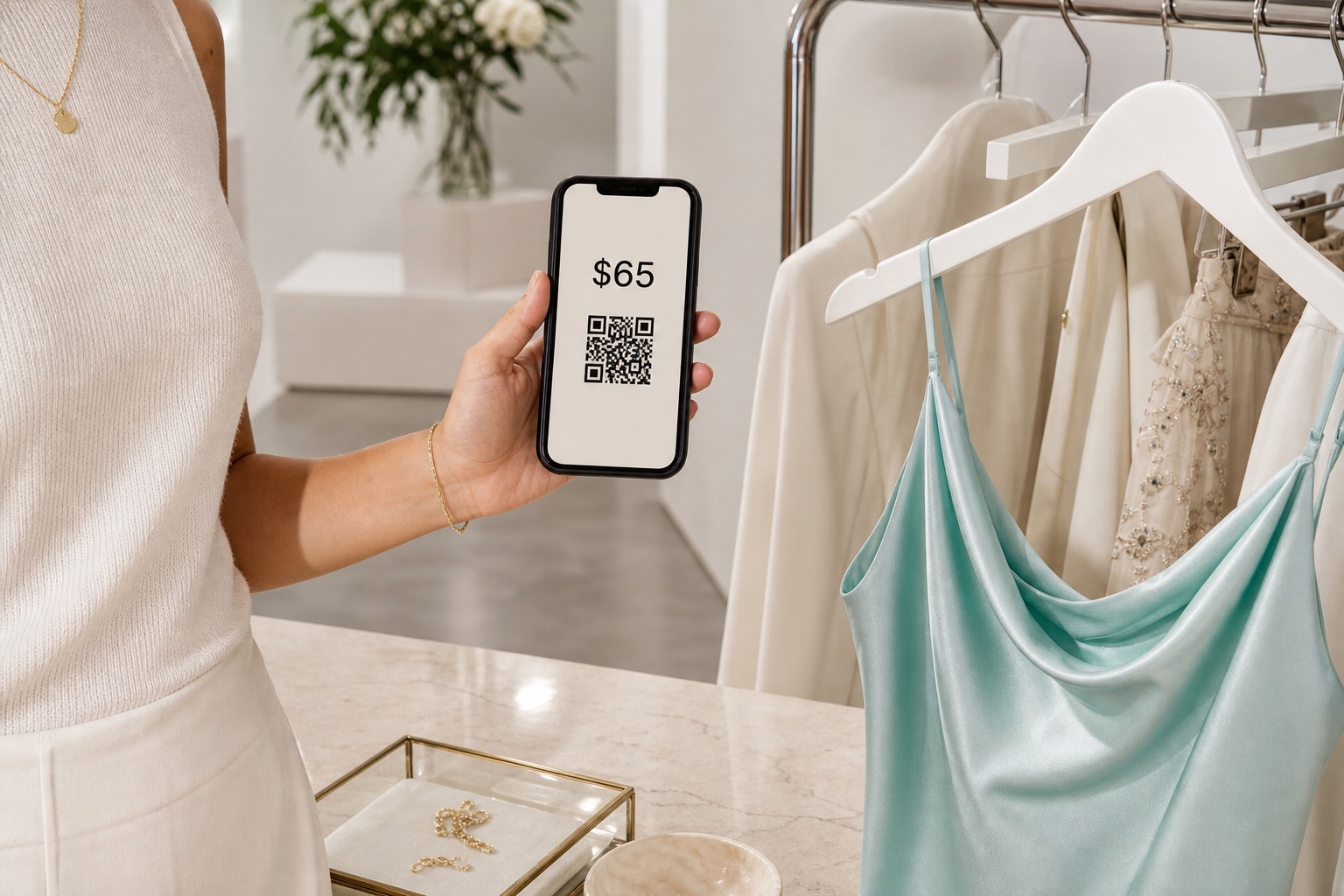
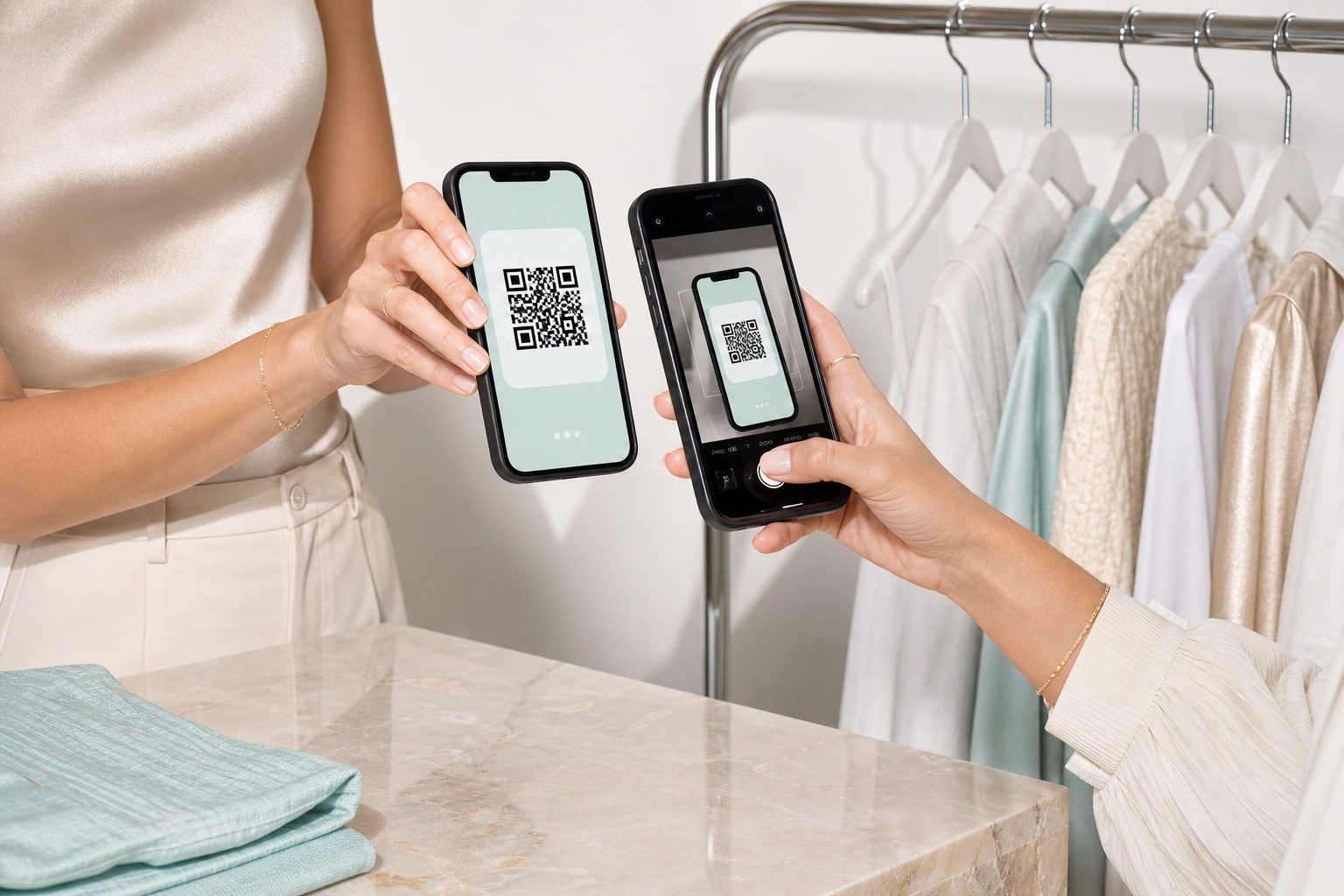
Warm, indoor, slightly under-lit. Garments on hangers, hands holding tags, racks against soft walls. Always feel like the photo could have been shot at the event.
Seven rules to design by. When in doubt, pick the one that feels most like a thoughtful friend handing you a hanger.
Every screen assumes the shopper is physically there. No shipping fields, no tracking, no “delivery in 3–5 days.”
The seller doesn’t become an ecommerce operator. Stickers first, listings later.
One scan tells us the event, the seller, and the rack. The rest of the app reflects that.
Tap a sticker to add. Tap to peel. The whole interaction model lives in that one motion.
Payment runs through Shopify; the experience is CIRCA. Never a Shopify URL, never a Shopify chrome.
Photos, item names, sizes — all welcome, none mandatory. The default flow finishes in ten taps.
The clothes get another life. We don’t lecture about it; the product just makes obvious sense.